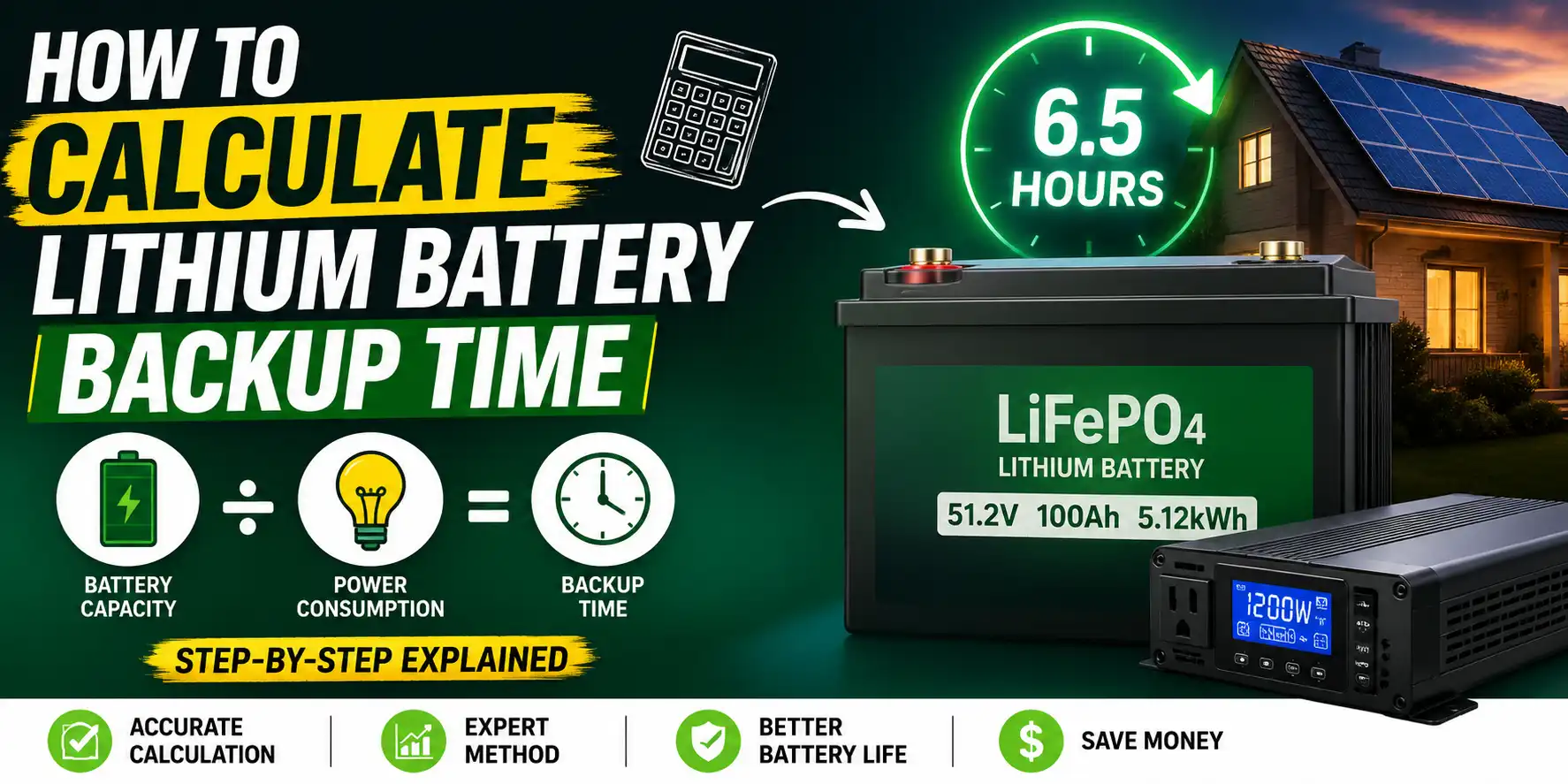


How Do You Calculate the Backup Time of a Lithium Battery. A lithium battery can power your home, RV, solar system, inverter, or essential appliances for hours—but exactly how many hours will it last? The answer depends on more than just battery size. Factors such as battery capacity, system voltage, power consumption, depth of discharge (DoD), and system efficiency all play a major role in determining actual backup time.
Many people assume that a larger battery automatically means longer runtime. In reality, two batteries with the same capacity can deliver very different results depending on the connected load and system configuration. This is why understanding battery runtime calculation is important before purchasing a
In this guide, you will learn how to calculate lithium battery backup time, what factors affect battery runtime, and how to get a more accurate estimate using a Battery Backup Calculator.
What Is Lithium Battery Backup Time?
Lithium battery backup time is the amount of time a battery can power your devices before it reaches its usable discharge limit.
For example:
- A small load may run for many hours.
- A larger load may drain the same battery in a few hours.
This is why battery capacity alone does not determine runtime. The connected load is equally important.
The Basic Formula How Do You Calculate the Backup Time of a Lithium Battery
The most common formula is:
| Formula | Description |
|---|---|
| Battery Backup Time = Usable Battery Energy ÷ Total Load | Calculates estimated runtime |
Example
Battery Capacity:
- 5.12 kWh Lithium Battery
Load:
- 1000 Watts
Calculation:
5.12 ÷ 1.0 = 5.12 Hours
Estimated backup time:
Approximately 5.1 hours
Step 1: Find Battery Capacity
The first value you need is the battery capacity.
Lithium batteries are usually rated in:
- Ah (Amp Hours)
- kWh (Kilowatt Hours)
Common Lithium Battery Sizes
| Battery Size | Energy Capacity |
|---|---|
| 12V 100Ah | 1.2 kWh |
| 24V 100Ah | 2.4 kWh |
| 48V 100Ah | 4.8 kWh |
| 48V 200Ah | 9.6 kWh |
| 51.2V 100Ah | 5.12 kWh |
| 51.2V 200Ah | 10.24 kWh |
Most modern LiFePO4 batteries use 51.2V configurations.
Step 2: Calculate Total Power Consumption
Next, determine how much power your equipment uses.
Typical household loads include:
| Appliance | Average Power |
|---|---|
| Ceiling Fan | 70W |
| LED TV | 100W |
| Refrigerator | 150W |
| Laptop | 60W |
| WiFi Router | 15W |
| Water Pump | 500W |
| Air Conditioner | 1000W–2000W |
Example Load Calculation
Suppose you run:
- 2 Ceiling Fans = 140W
- LED TV = 100W
- Refrigerator = 150W
Total Load:
140 + 100 + 150 = 390W
Total Power Consumption:
390 Watts
Step 3: Account for System Efficiency
No battery system is 100% efficient.
Energy is lost through:
- Inverter conversion
- Battery management system (BMS)
- Wiring losses
- Internal resistance
Most lithium battery systems operate between:
| System Type | Efficiency |
|---|---|
| Basic System | 85% |
| Good System | 90% |
| Premium System | 95% |
For realistic calculations, many experts use:
90% efficiency
Lithium Battery Backup Time Example
Battery:
- 5.12 kWh LiFePO4
Load:
- 500W
System Efficiency:
- 90%
Usable Energy:
5.12 × 0.90 = 4.61 kWh
Backup Time:
4.61 ÷ 0.5 = 9.22 Hours
Estimated Runtime:
Approximately 9.2 hours
Why Lithium Batteries Provide More Usable Energy
One major advantage of LiFePO4 batteries is their higher usable capacity.
Lead Acid Battery
Recommended Depth of Discharge:
50%
Usable Capacity:
50%
Lithium Battery
Recommended Depth of Discharge:
80–95%
Usable Capacity:
80–95%
This means a lithium battery can deliver significantly more usable energy than a similar-sized lead-acid battery.
What Is Depth of Discharge (DoD)?
Depth of Discharge (DoD) refers to how much battery capacity is used.
Example:
| Battery Capacity | Energy Used | DoD |
|---|---|---|
| 100% | 20% | 20% |
| 100% | 50% | 50% |
| 100% | 80% | 80% |
Most LiFePO4 batteries support:
- 80% DoD
- 90% DoD
- 95% DoD
depending on manufacturer specifications.
Factors That Affect Lithium Battery Backup Time
Many people assume runtime depends only on battery size.
In reality, several factors influence battery performance.
Battery Capacity
Larger batteries provide longer runtime.
Number of Batteries
Adding batteries increases available energy.
Load Size
Higher loads reduce backup time.
Inverter Efficiency
Efficient inverters waste less power.
Battery Age
Older batteries may provide less runtime.
Temperature
Extreme temperatures can reduce performance.
Battery Chemistry
Different chemistries offer different efficiencies.
Common Lithium Battery Types
LiFePO4 (Lithium Iron Phosphate)
Benefits:
- Long lifespan
- High safety
- Excellent cycle life
- Popular for solar systems
NMC Batteries
Benefits:
- Higher energy density
- Lightweight
Used in:
- Electric vehicles
- Portable power systems
For home backup applications, LiFePO4 batteries are generally preferred.
How to Use a Battery Backup Calculator
A modern Battery Backup Calculator simplifies the entire process.
Instead of manual calculations, users can enter system specifications and instantly receive accurate estimates.
Battery Array Specifications
Enter:
- Single Battery Capacity
- System Voltage
- Number of Batteries
- Battery Type
Power Consumption
Enter:
- Total Constant Load
Or use quick load presets such as:
- Ceiling Fan
- Air Conditioner
- Refrigerator
- TV
- Computer
- Water Pump
Each tap adds another appliance to the calculation.
For example:
- Tap Fan once = 1 Fan
- Tap Fan twice = 2 Fans
- Tap Fan three times = 3 Fans
The total load updates automatically.
Advanced Settings
Advanced users can customize:
- System Efficiency
- Depth of Discharge
- Battery Health
- Safety Margins
These settings improve calculation accuracy.
What Is the Battery Backup Report?
After clicking Generate Backup Report, the calculator provides:
Battery Information
- Battery Capacity
- Voltage
- Battery Type
- Number of Batteries
Runtime Results
- Estimated Backup Time
- Usable Energy
- System Efficiency Adjustments
Engineering Breakdown
The report explains:
- Energy available
- Load calculations
- Runtime estimates
- Efficiency losses
This helps users understand how the result was generated.
Example Runtime Estimates
| Battery Size | Load | Estimated Runtime |
|---|---|---|
| 5.12 kWh | 500W | 9.2 Hours |
| 5.12 kWh | 1000W | 4.6 Hours |
| 10.24 kWh | 500W | 18.4 Hours |
| 10.24 kWh | 1000W | 9.2 Hours |
| 10.24 kWh | 2000W | 4.6 Hours |
Actual runtime may vary depending on system efficiency and battery condition.
Common Mistakes When Calculating Battery Backup Time
Ignoring Efficiency Losses
Always include inverter and system losses.
Using Total Capacity Instead of Usable Capacity
Only usable energy should be considered.
Forgetting Startup Loads
Motors and compressors may draw additional power during startup.
Incorrect Load Estimates
Measure actual consumption whenever possible.
Final Thoughts
Calculating lithium battery backup time is easier when you understand the relationship between battery capacity, system voltage, power consumption, and efficiency. While manual formulas can provide rough estimates, a professional Battery Backup Calculator delivers faster and more accurate results.
Whether you are designing a solar battery system, sizing a home backup battery, selecting a LiFePO4 battery bank, or estimating inverter runtime, using accurate inputs will help you make better energy decisions and avoid costly mistakes.
Frequently Asked Questions
How do you calculate the backup time of a lithium battery?
Divide usable battery energy (kWh) by total load (kW). Adjust for system efficiency to get a more accurate runtime estimate.
Does battery voltage affect backup time?
Yes. Voltage affects total stored energy and overall system design.
Are lithium batteries better than lead-acid batteries?
For most backup systems, lithium batteries provide higher efficiency, deeper discharge capability, and longer lifespan.
What is the most accurate way to estimate runtime?
Use a dedicated Battery Backup Calculator that includes battery capacity, voltage, load, efficiency, and battery health settings.